
Guide · Alerts
Your own alerts and watchlist zones
Watch a price level, your own price zone or a saved condition, test it now, and get it on your phone when the schedule is on.
An alert says what happened to a price. It never says what to do.
A price zone on your watchlist
On Watchlist, Add or update a name takes a Ticker, an Entry from (price) and an Entry up to (price), and two notes for yourself: Why you're watching it and What would make you drop it. The list then shows where each name is: ✓ in your zone, or how far above or below it is. Names in their zone come first.
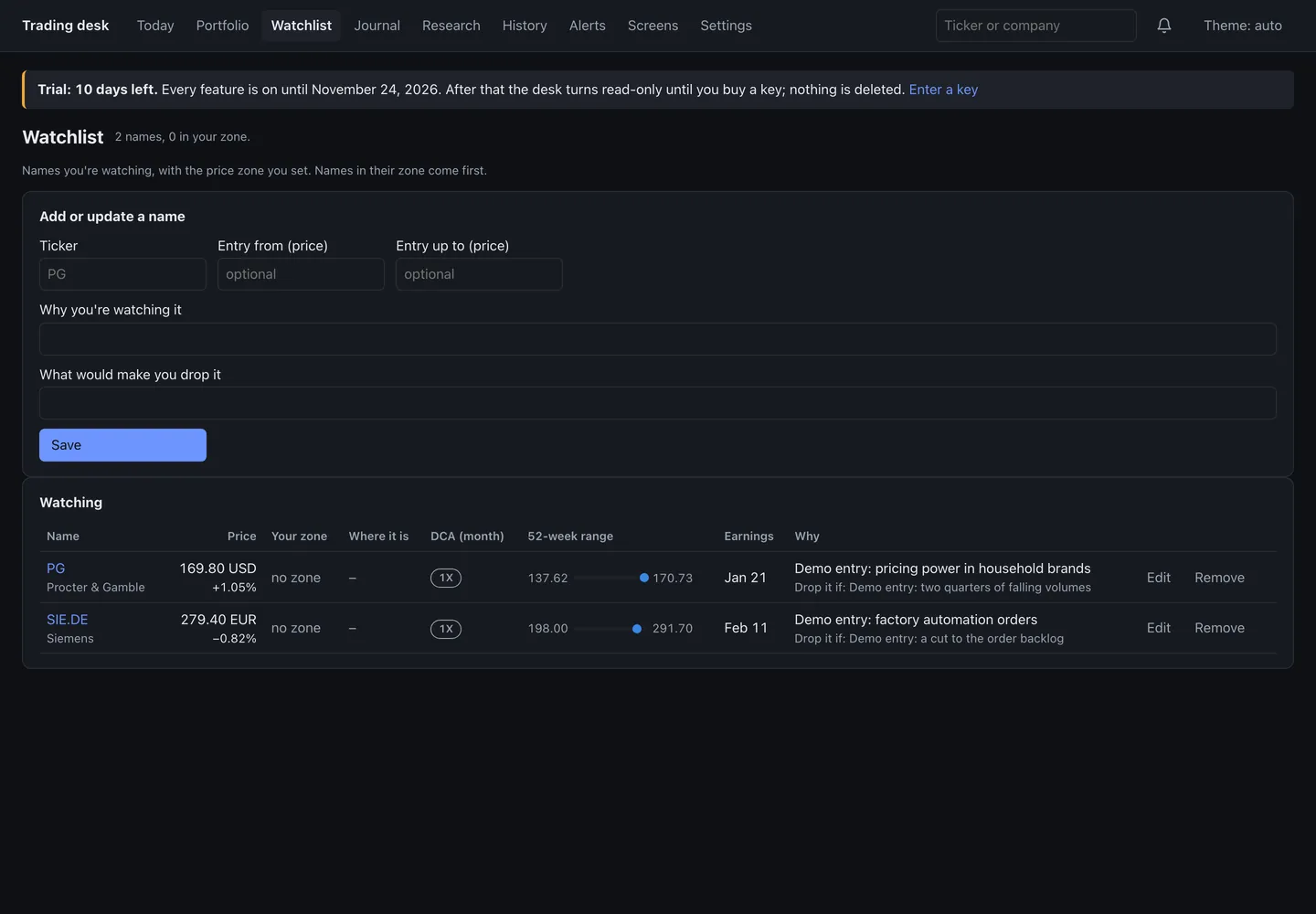
Next to a name with a zone, Alert me in this zone turns it into one of your own alerts.
Adding an alert
On Alerts, under Your alerts:
- On: pick one of your holdings or watchlist names.
- Watch for: Enters my price zone (watchlist), Falls below my exit level (journal), A price level I type…, or a condition you saved with Ask the desk.
- For a price level, choose Close above, Close below, Close crosses above or Close crosses below, and type the Level.
- Add a Note if you like (it stays on your computer) and press Add alert.
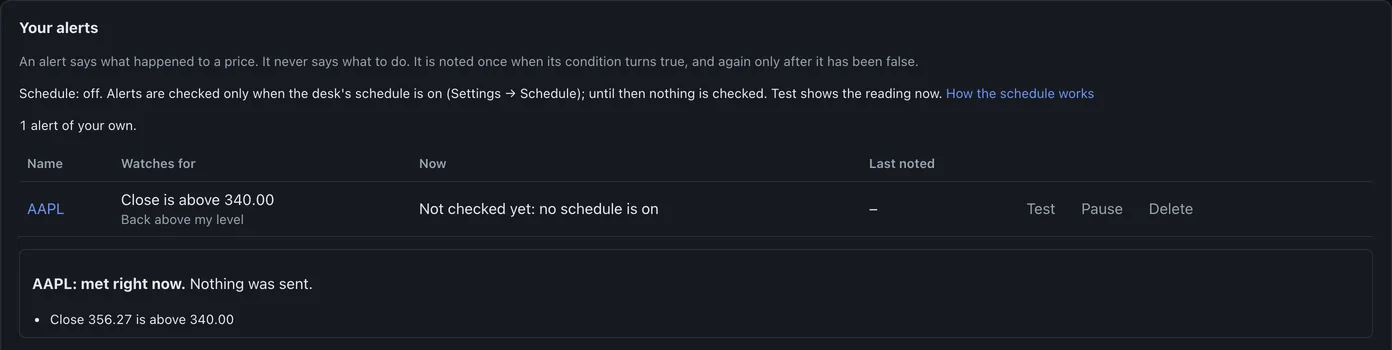
Press Test on the alert to see the reading now. It shows whether the condition is met, and sends nothing.
When alerts are checked
Alerts are checked by the desk's schedule, every 15 minutes while the computer is awake. Until the schedule is on, nothing is checked, and the alert says so. An alert is noted once when its condition turns true, and again only after it has been false. Most of your own alerts sent a day caps how many go out (5 unless you change it).
To get them on your phone, see your briefs and alerts on your phone.
Limits by licence
- Beginner: three alerts of your own, one condition each.
- Pro: any number, and alerts with more than one condition.